Desk surface organization means keeping only items you touch multiple times per workday on the visible flat area. Everything else belongs in a drawer, shelf, or storage bin. The method is binary: if you touch it daily, it earns surface space; if you touch it weekly or less, it relocates.
Quick answer: Desk surface organization keeps only daily-touch items visible and relocates everything else. The touch-frequency method divides items into three tiers (hourly, daily, occasional), then pairs each tier with a specific organizer. Sort first, buy second, and run a 5-minute daily reset to prevent clutter from compounding.
For the broader home-office system, see the home office organization hub, the desk organization 4-zone system sister guide, and our how to choose drawer organizers buying guide. For the category-by-category principle behind this method, see the KonMari method.
Why Your Desk Surface Keeps Getting Messy
Desk surfaces re-clutter quickly because they are the default drop zone. Unlike a closet or drawer, the flat work area accepts everything: incoming mail, yesterday’s coffee mug, charging cables, reference books, and random supplies. Every time you sit down, you add something; every time you stand up, you leave something behind.
The root cause isn’t a lack of storage. It’s the absence of a rule for what stays. Without a clear boundary, every item competes for the same flat real estate. Papers pile because there’s no inbox. Supplies sprawl because there’s no designated cluster. Cables tangle because they have no anchor point.
Here’s the pattern most people fall into: they clear the desk on Sunday, feel productive, and by Wednesday the surface is buried again. The desk didn’t fail. The system did, because it relied on willpower instead of a physical-use test. Willpower fades late in the day; a binary rule doesn’t.
The touch-frequency method solves this by replacing “I might need it” with a binary test: do you physically touch this item on a typical workday? If yes, it earns a permanent surface home. If no, it relocates below or above. This isn’t about minimalism or aesthetics. It’s about matching surface real estate to actual use frequency.
The Daily-Touch vs Weekly-Touch Divide
Draw a mental line between two categories:
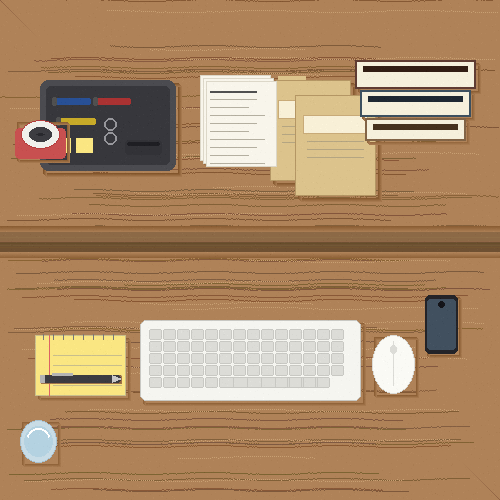
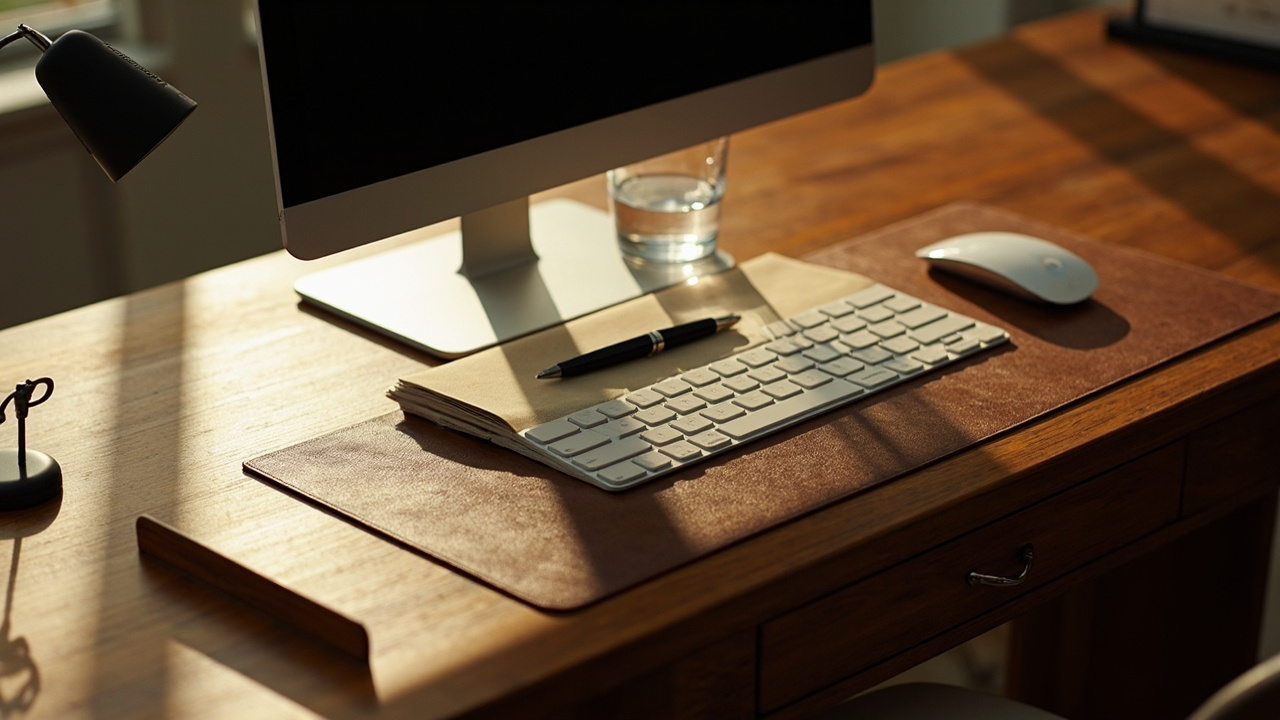
Daily-touch items stay on the surface: laptop or keyboard, mouse, one pen, one notebook, phone, desk lamp, water glass. These are items you reach for within a 30-minute window, multiple times per day.
Weekly-or-less items relocate: reference books, bulk supplies (extra pens, stapler, tape), documents older than today, chargers not in active use, decorative objects. The divide isn’t about importance. A stapler matters. But if you staple once a week, it doesn’t earn permanent desk surface space. It lives in a drawer and comes out when needed.
What Belongs on the Desk vs What Belongs in a Drawer
The sister desk drawer organization guide covers the drawer side in depth. For the surface test, the split is simple. Surface items are your technology cluster (laptop, monitor, phone), writing cluster (one pen, one notebook), hydration (water glass), lighting (desk lamp), and cable anchors. Drawer items are bulk supplies, reference materials, spare cables, and documents to file.
The Simple Houseware 3-Tier Desk Organizer bridges both worlds: daily items go in tiered top trays, weekly items go in the sliding drawer below.
Layout by Touch Frequency
Not all surface items deserve equal real estate. The touch-frequency layout divides the desk into three tiers based on how often you reach for each item during a workday.
Tier 1: Hourly-Touch Zone (Monitor and Laptop Cluster)
Items you touch every hour define the primary work triangle and occupy the center-to-back of the desk surface. Your monitor, laptop, keyboard, mouse, and desk lamp live here. These items don’t move during the day, so their placement should be deliberate, not accidental. Position the monitor at arm’s length with the top edge near eye level for a more comfortable viewing angle.
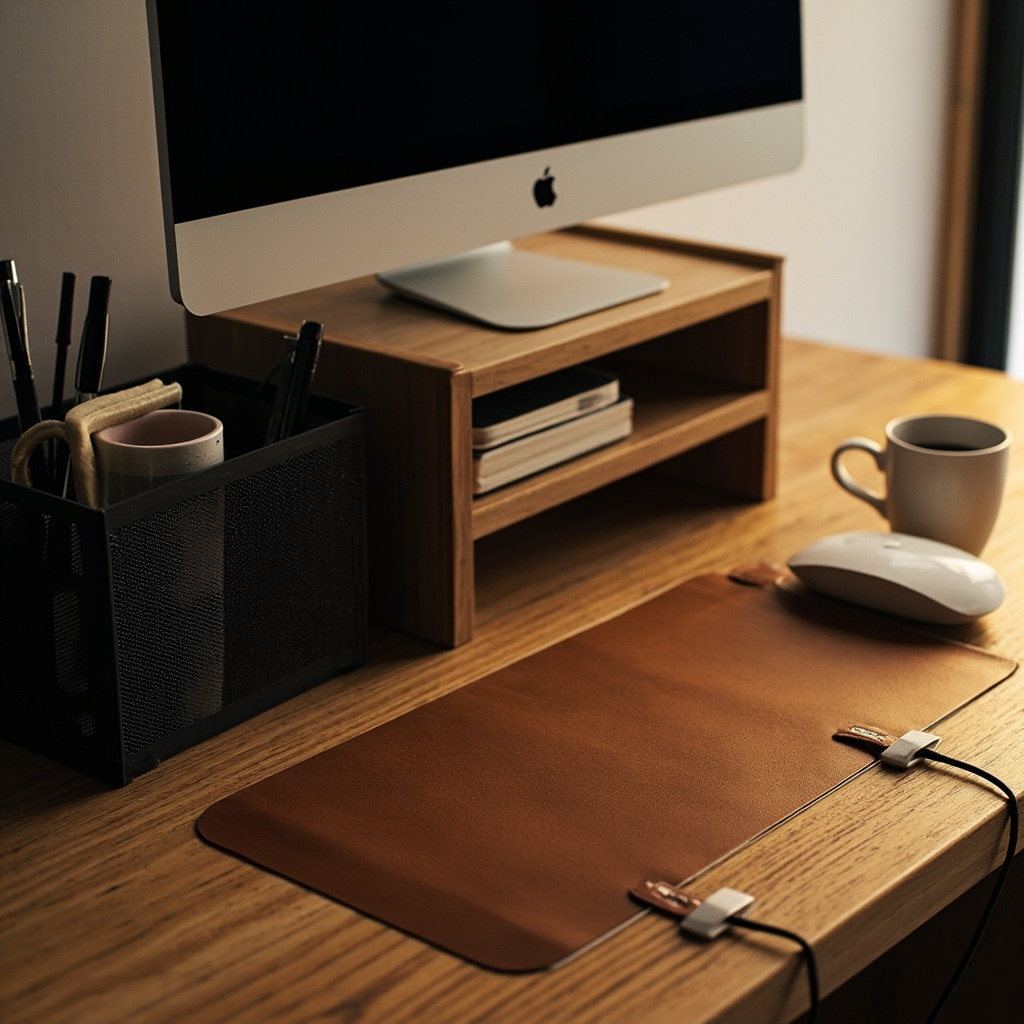
The Simple Houseware Dual Monitor Stand Riser elevates the monitor to eye level while creating a storage shelf underneath. The built-in drawer holds small daily items, and side caddies keep your phone and cables contained. It adds a raised storage layer underneath without expanding the desk footprint.
Tier 2: Daily-Touch Zone (Writing and Supply Cluster)
Items you reach for 3-10 times per day cluster to the non-dominant side of the desk, within arm’s reach but off the primary work area. Pens, notebook, sticky notes, phone, and water glass live here. The goal is one vertical footprint for all daily supplies, not a row of individual items spread across the surface. A single tiered organizer holds more in less space than several spread-out trays.
A tiered organizer like the Simple Houseware 3-Tier Organizer or the budget Amazon Basics Mesh Organizer keeps these items vertical rather than sprawled. The Aothia Desk Pad visually defines the work zone boundary so items don’t migrate past their assigned area.
Tier 3: Occasional-Touch Zone (Perimeter)
Items you touch 1-2 times per day belong at the desk perimeter or mounted off-surface. Charging cables, a reference card, a small plant. These don’t need prime real estate. The perimeter principle keeps the center clear: anything that doesn’t serve the active work session gets pushed to the edges or removed entirely.
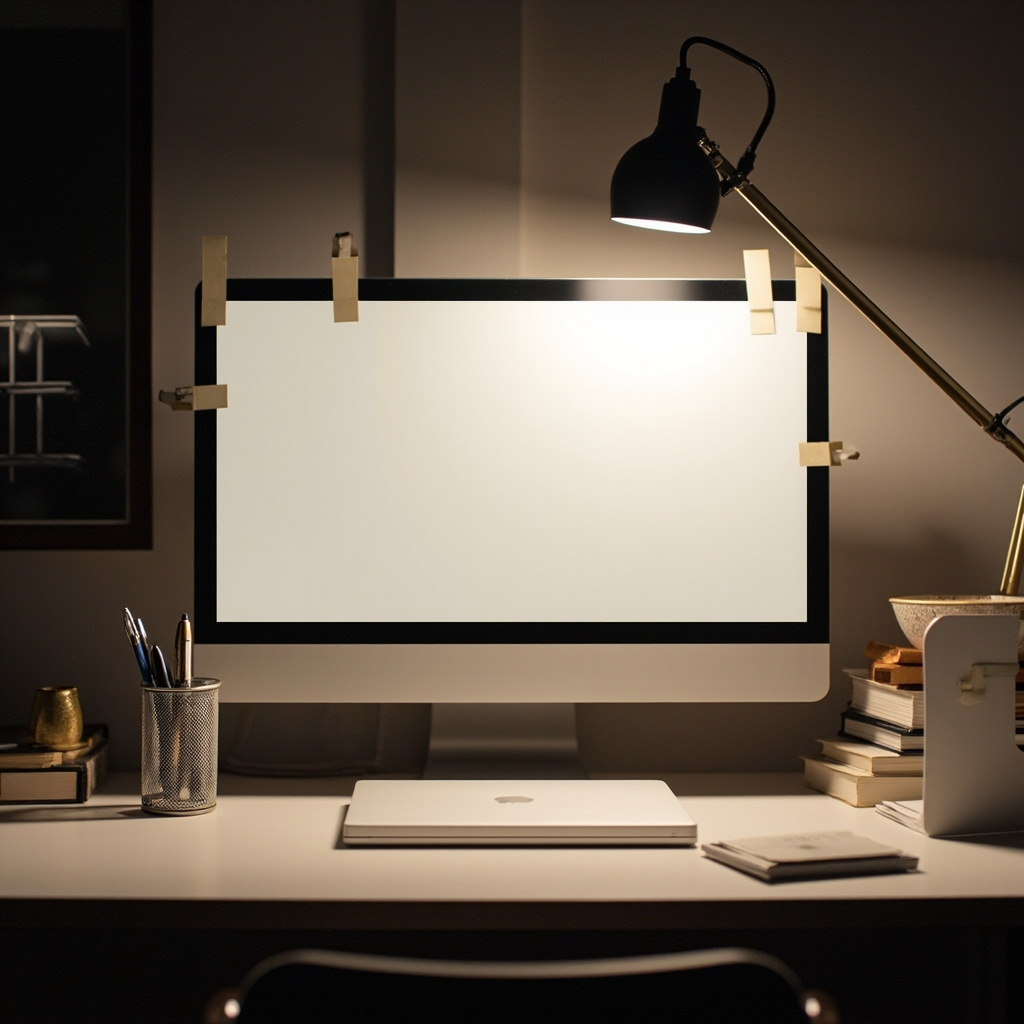
The SOULWIT Cable Clips anchor cables to the edge so they stay accessible without sliding across the work area. The MDOZQ Monitor Memo Board moves sticky notes off the flat surface onto the monitor bezel, reclaiming desk space.
Constraint Guide by Scenario
Every desk has constraints. These if-then scenarios pair common situations with specific products so you don’t buy the wrong organizer for your setup.
If You Have a Small Desk (Under 36 Inches Wide)
A compact desk can’t accommodate a full vertical organizer cluster without crowding the work area. Choose the Amazon Basics Mesh Organizer for its small footprint, and use the MDOZQ Monitor Memo Board to move notes off the surface entirely. Skip the monitor riser if the desk is shallow, since it will push the monitor too close to your face. For whole-room small-space ideas, see our small home office storage guide.
If You Work in a Shared Space
Shared desks need clear visual boundaries so items don’t migrate between users. The Aothia Desk Pad defines your personal work zone. Keep a single organizer like the 3-Tier Desk Organizer as your supply hub. Don’t leave personal items like photos or plants on a shared surface. They belong on a shelf.
If You Have No Desk Drawers
No-drawer desks force everything onto the surface. Use a riser with built-in storage like the Simple Houseware Monitor Stand to create a storage layer under the monitor. Add a desktop organizer with a sliding drawer for supplies that would otherwise sprawl. For portable drawer-unit alternatives, see our desk drawer organization guide.
If You Have a Standing Desk
Standing desks have a unique constraint: items must survive height transitions without sliding. The Aothia Desk Pad provides non-slip grip for motorized transitions. Use SOULWIT Cable Clips to anchor cables that would otherwise dangle and tangle during height adjustments.
If You Work in Poor Lighting
A dim home office strains eyes and reduces focus. The LEPOWER Desk Lamp delivers 800 lumens of RG0 eye-care light. Position it on the non-dominant side to avoid casting shadows across your writing hand. Keep the lamp’s power cable anchored with SOULWIT Cable Clips so the cord doesn’t trail across the surface. The lamp earns its permanent surface spot because you use it every working hour.
Common Mistakes
- Keeping Decorations on the Work Surface
Plants, framed photos, and figurines consume prime desk real estate for zero functional value. A single 4-inch plant pot occupies the space of a notebook. Move decorations to a shelf or windowsill. The desk surface is for working, not displaying.
- Using the Desk as a Paper Inbox
Incoming mail, bills, and printed documents are the leading cause of desk surface re-cluttering. Paper arrives, sits, and piles. It doesn’t have a daily-touch relationship. Create a physical inbox tray in a drawer or on a shelf, and process paper at the end of each day. See our paperwork system guide for a full paper workflow.
- Leaving Charging Cables Loose
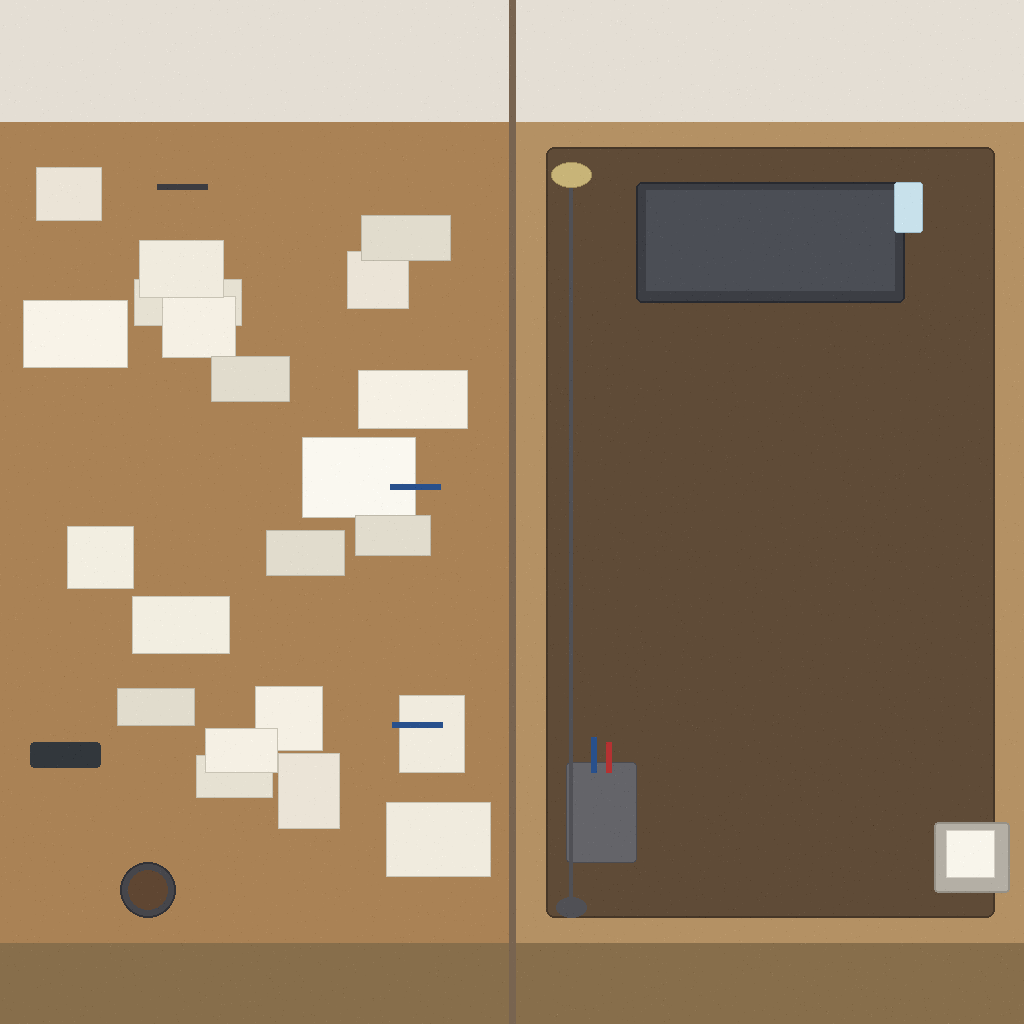
Cables sliding across the desk surface signal a lack of cable discipline. One loose phone charger becomes two, then three, then a tangle. The SOULWIT Cable Clips cost under $7 and keep loose cables from drifting across the work area. For under-desk routing, see our cable management guide.
- Buying Organizers Before Sorting
Adding storage to an unsorted desk just creates a more organized mess. Sort first: touch-daily items in one pile, weekly items in another, everything else in a relocate pile. Only then decide what organizer size and type you need. The declutter fast method walks through the initial sort in 15 minutes.
- Skipping the Daily Reset
A 5-minute end-of-day reset prevents tomorrow’s clutter from compounding on today’s. See our home office daily reset guide for a timed 5-step sequence that keeps the surface clear.
Sustaining the Surface
The touch-frequency method works on day one, but it only sticks if you maintain it. The good news: sustaining takes 5 minutes, not 25. The system breaks down when resets get skipped, because clutter compounds. One stray coffee mug becomes two, then a stack of mail appears next to it, and by Friday you’re back to a buried surface.
The 5-Minute End-of-Day Reset
At the end of each workday, run this sequence: clear any paper that arrived today into your inbox tray, return pens and supplies to their tiered organizer, coil loose cables into their clips, and wipe the desk pad. Five minutes, four actions, zero decision fatigue. The reset is what separates a desk that stays clear from one that needs a full reorganization every two weeks.

Weekly Surface Audit
Once a week, scan the surface for items that migrated back. A stapler that crept up from the drawer, a book you finished reading, a cable that escaped its clip. Relocate each one. This takes 2 minutes and prevents slow drift from becoming full-scale re-cluttering. Pair the audit with your home office daily reset routine for consistency.
When to Call a Pro
Desk surface organization is self-manageable for most people. Consider professional help if you’ve tried multiple organization systems and none have stuck for more than two weeks. That signals a habit or workflow issue, not a storage problem. If desk clutter is part of a broader home-wide pattern that overwhelms you, a professional organizer can establish systems across all rooms. The touch-frequency method is designed for self-implementation.
Key Takeaways
- Apply the daily-touch rule: if you don’t touch it during a workday, it doesn’t belong on the surface.
- Raise the monitor to create storage underneath. A riser with a drawer adds usable surface space without expanding the desk.
- Contain supplies vertically. Tiered organizers use less footprint than spread-out trays.
- Anchor cables to the edge. One pack of clips prevents most cable sprawl.
- Define the work zone with a desk pad. Visual boundary equals mental boundary.
- Run a 5-minute daily reset to prevent clutter from compounding.
- Sort before you buy. Organizers serve sorted items, not unsorted piles.